Canvas layers: alternates and options on one sheet
A sheet often needs more than one takeoff: a base bid and an alternate, a first pass and a check pass, two options the owner is deciding between. Canvas layers let one page carry them all, each layer its own independent set of marks over the same drawing.
Try it: the Organizing lesson opens sample sheets in the app and walks this with you, two or three minutes, checking each step against what you actually did.
Working with layers
- The layers control in the bottom bar shows the current page's layers. + Add layer creates a new one: empty, or a duplicate of the current layer when you want to riff on what's already counted.
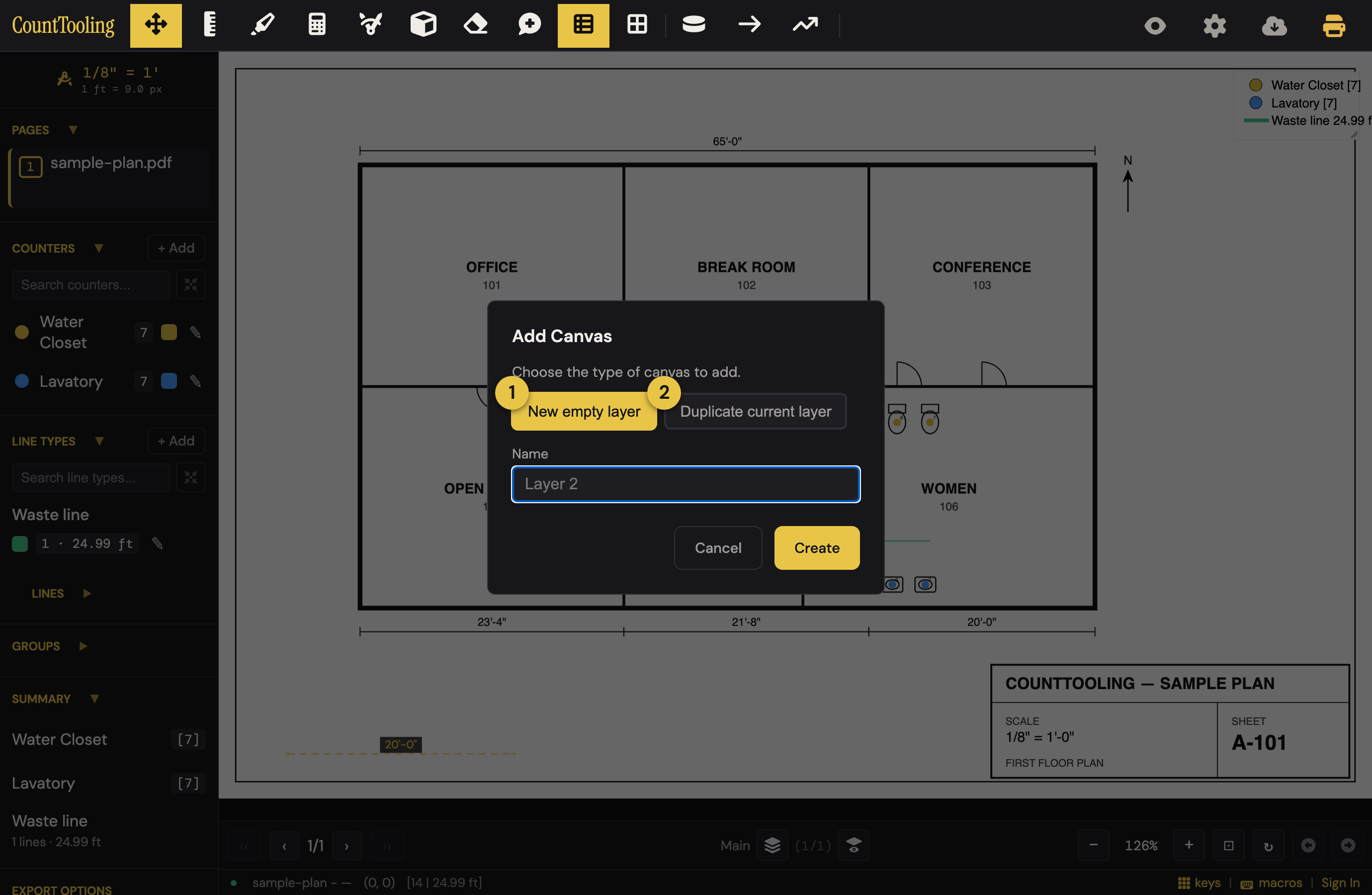
- Switch layers with
↑/↓or from the layers menu. Each page remembers which layer is active.
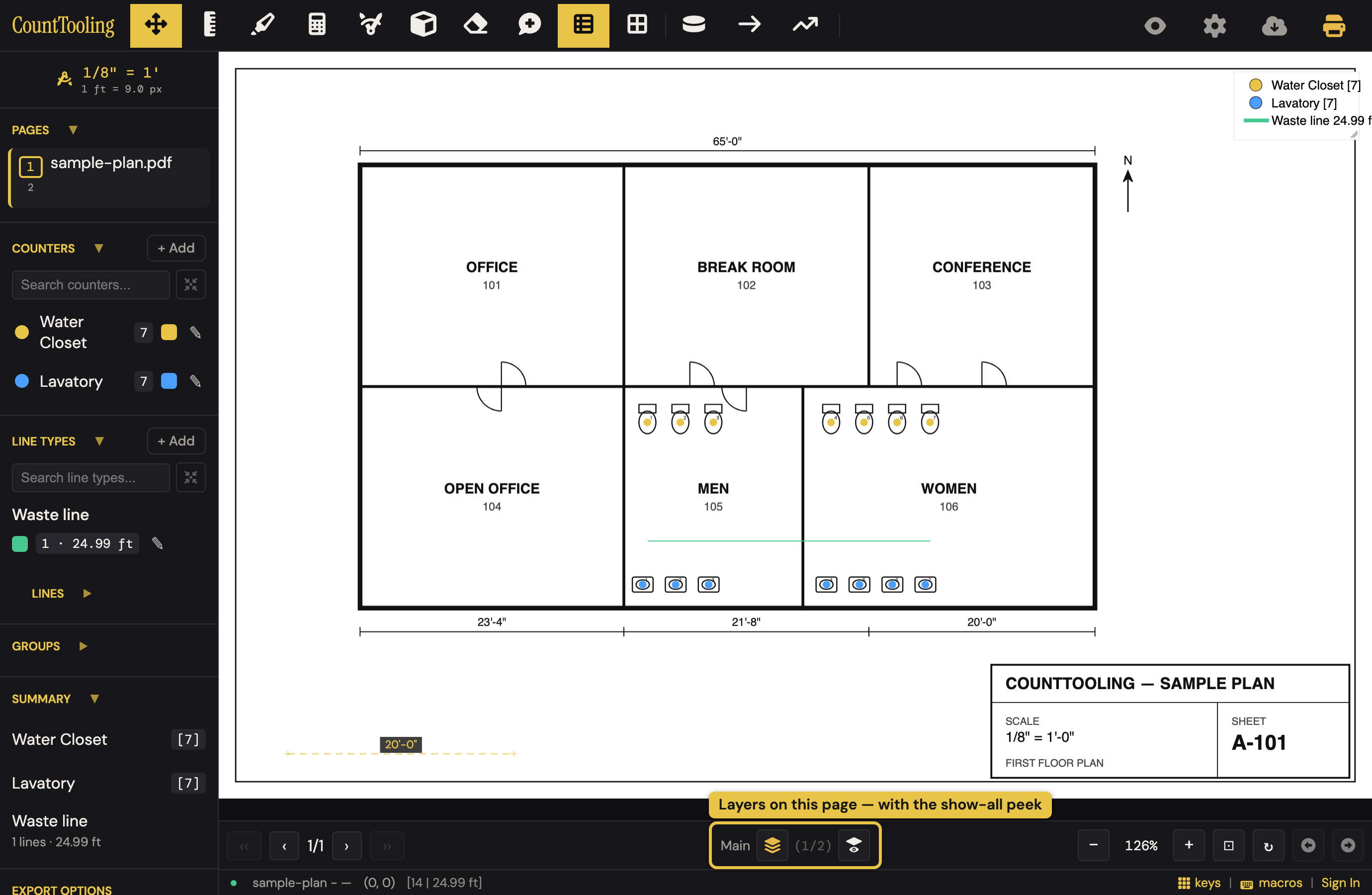
- Rename a layer from its details (the edit pen in the canvas switcher) so "Canvas 2" becomes "Alternate: cast iron".
- Deleting a layer asks first, names the layer, and tells you what it holds.
Everything you place lands on the active layer only. The sidebar tallies (the counter and line-type badges and the Summary) and the footer totals count every layer of every sheet, so they agree with each other and with what goes into a bid, whichever layer each sheet happens to be showing. Reports and exports follow the layers you scope them to; the export dialogs let you choose this canvas, all canvases on a page, or everything.
Compare layers at a glance
The show-all peek (the eye-on-layers button next to the layer selector, shown when a page has two or more layers) temporarily draws every layer at once so you can compare options in place. It's purely visual: editing still targets the active layer, and nothing is saved differently. The sidebar totals don't change during the peek, because they already count every layer; the on-sheet legend follows what is drawn.
On a phone the same peek lives in the layers menu as Show all layers, appearing once a page has two of them.
On a sheet with several layers, showing everything can be its own kind of noise. Right-click the peek button (desktop) to choose exactly which layers to show: the current layer is always on, and you check just the one or two you want to compare against ("All canvases" brings the full merge back). A small dot on the button reminds you a subset is showing. The selection is temporary: it isn't saved with the project, and it clears when a page is back to a single layer.
When you copy with more than one layer on a page, Everything takes every layer on every sheet no matter what is showing, and This sheet adds a layer picker pre-checked to what's on screen; the pasted text's first line names what it includes. See Reports and exports.
Move marks between projects: canvas JSON
The Export Canvas option writes your marks (palette, groups, and all) as a small JSON file, without the PDF. Import Canvas loads one into another project. Because the file is tiny, it's the easy way to hand a takeoff to a colleague who already has the plan set, or to reuse a typical layout.
Good to know
- Viewers on a view link can browse layers too; it doesn't modify the project.
- Undo/redo and auto-save cover layer operations like everything else.
- The Summary counts every layer, so an alternate kept on its own layer is in the Summary total. Click the total to see the split: on a sheet with more than one layer, the by-page breakdown reads like 12 on P-101 with Main 9 · Alternate 3 under it. For the base alone, use Show Report's Every sheet (active layer) with each sheet set to its base layer. See Reports and exports.
Related: Reports & exports for scoping output to layers.