Takeoffs on a tablet in the field
Field questions get answered where the work is: a basement, a mechanical room, a trailer with bad wifi. CountTooling is built to run there: touch-first, installable, and fully functional offline.
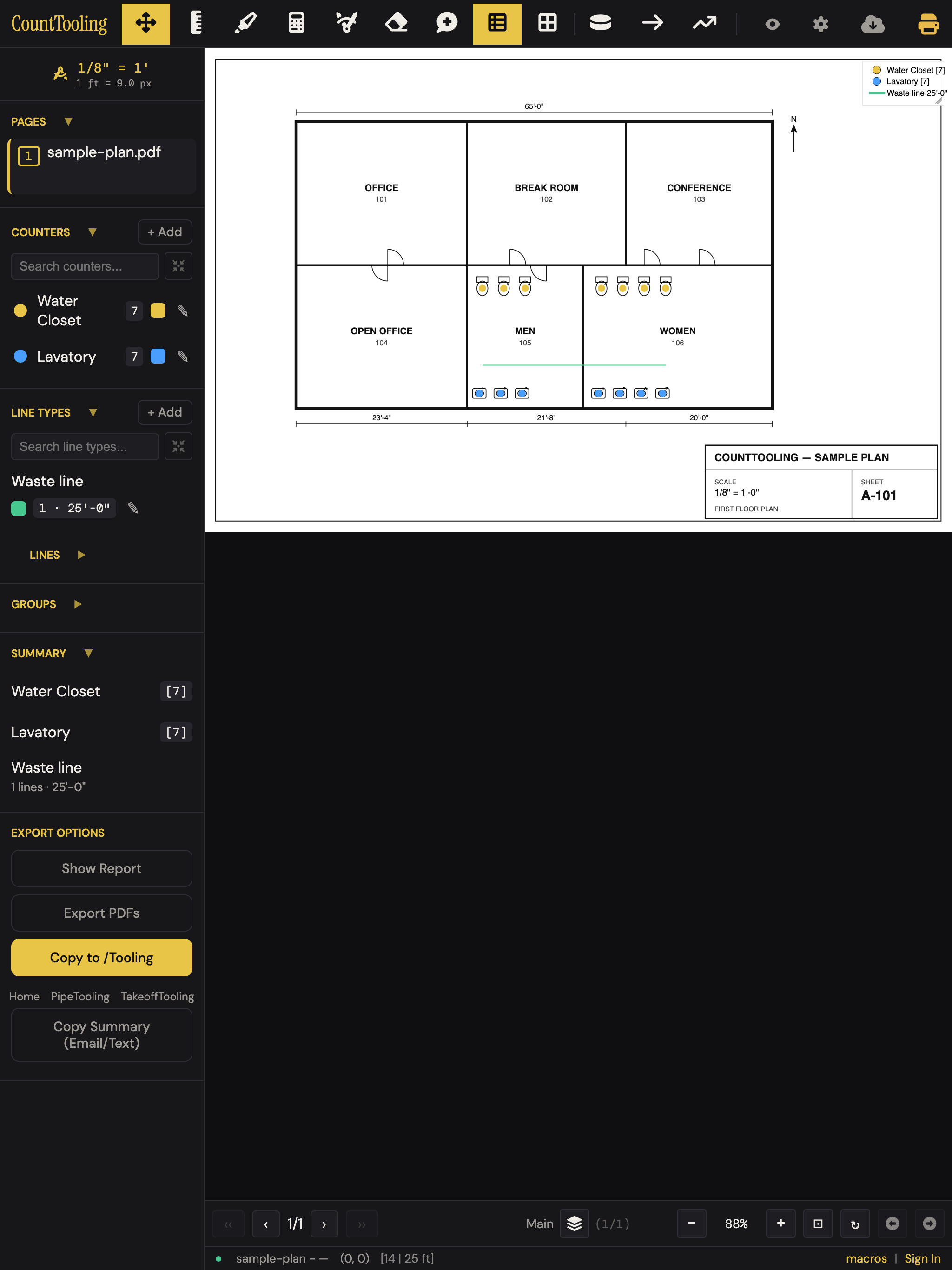
Touch that actually works
- One finger pans, pinch zooms: plan navigation feels like a map app, and it stays smooth on big, dense sheets.
- Long-press any mark for its context menu: the same edit and delete options as right-click on desktop.
- The aim loupe: press and hold with a placing tool active and a magnifier appears above your finger with a crosshair, so you can set a counter or line endpoint precisely even though your fingertip covers the spot. Slide to aim, release to place. The crosshair rides just above your fingertip on purpose: that offset is what keeps your finger from hiding the exact point you're placing on, so aim with the crosshair, not the finger.
- The zoom rail: tap the zoom % in the footer for a big vertical slider with labeled ticks, much friendlier than pinching to an exact level:
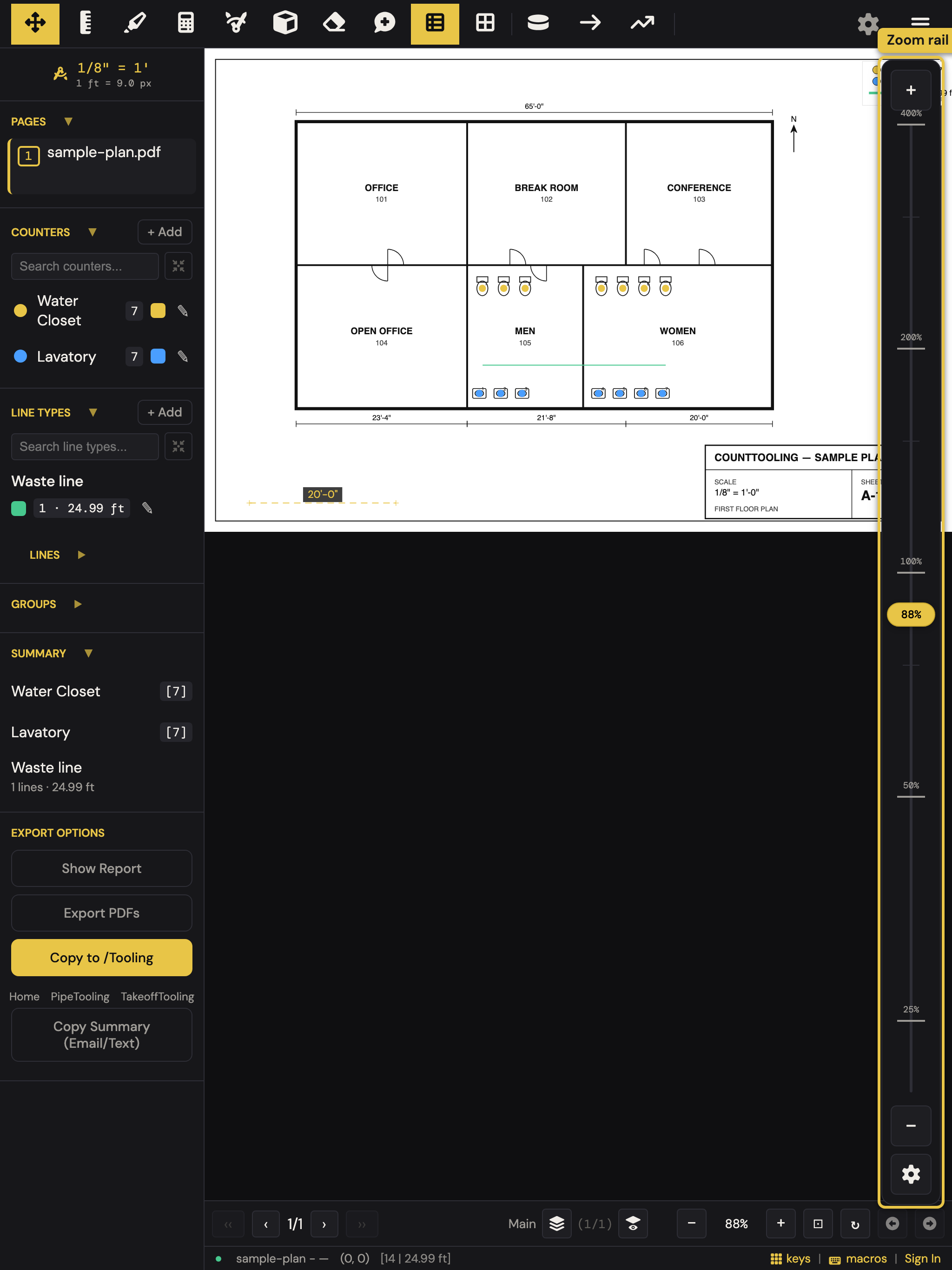
- On a phone-sized screen the header folds its secondary actions into a menu drawer, and the sidebar slides in from the left: everything's reachable, nothing's cramped.
Install it like an app
Add CountTooling to the home screen (how) for a full-screen, one-tap app. On iPhone/iPad: Safari → Share → Add to Home Screen. On Android or desktop Chrome: the browser's Install option.
Offline is the point
Once a takeoff is loaded, everything works with zero signal: counting, measuring, marking up. Changes save locally every few seconds and sync automatically when you're back on a connection. One iPhone note: the installed app keeps separate storage from Safari, so open your takeoff once in the installed app while online before heading somewhere dark.
A field workflow that holds up
- Start the takeoff at your desk, and it picks up on the tablet, same project, synced.
- Verify a dimension on site with the Measure tool; two taps, real feet.
- Received a view link instead of an account? Viewers get pan, zoom, layers, Hide marks to read the bare drawing, and can even set a page scale that shares back to the project.
Related: Installing the app and working offline covers install and offline in detail.